
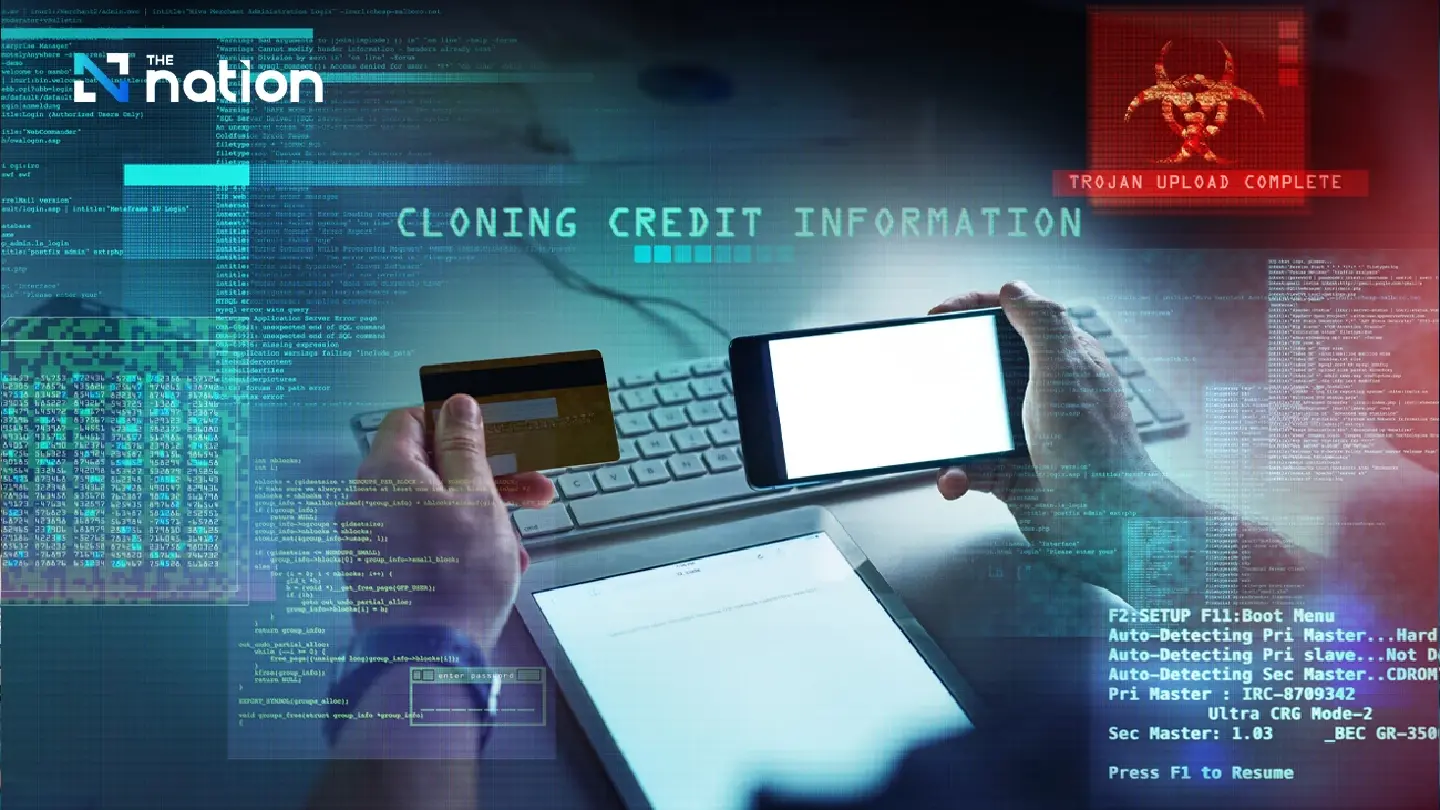
JSceal malware lets hackers steal data and over 10m baht, police warn

Thai police warn Windows users about JSceal malware that lets hackers control devices, steal OTPs and carry out financial transactions.

The Royal Thai Police’s Anti Cyber Scam Centre (ACSC) has warned the public about a serious cyber threat from JSceal malware, which can be embedded in computers, especially those running Windows, and used to steal passwords, cryptocurrency and one-time passwords (OTPs).

The warning was issued after investigators found that nearly 10 victims had been infected with the malware without their knowledge. Hackers allegedly stole data and carried out financial transactions, causing total losses of more than 10 million baht.

Investigators found that JSceal had been embedded in victims’ computers. The malware is designed to hide inside devices, run continuously and evade detection. It operates through a command-and-control (C2) server, allowing hackers to remotely manage infected devices, extract sensitive information and send the data back without leaving obvious traces.

The stolen information can include saved passwords, browsing histories and cryptocurrency wallet details. Police said the malware effectively gives hackers control of the victim’s screen, making it difficult for users to realise that their device has been compromised until damage has already been done.

The ACSC said JSceal malware had been linked to several likely sources, including:

  • downloading and installing unauthorised or pirated software;
  • visiting websites or clicking advertising links from unreliable sources;
  • using programmes copied from other devices, which may already contain hidden malware.

The centre urged the public to protect their computers by taking the following precautions:

  • avoid installing software from untrusted sources;
  • never disable antivirus software under any circumstances;
  • keep operating systems and software updated to the latest version;
  • regularly check app permissions and device access settings;
  • use Malwarebytes to scan for and remove threats.
JSceal malware lets hackers steal data and over 10m baht, police warn

Investigators also found that hackers had accessed OTPs sent through Google Messages on victims’ mobile phones that were synced with their computers. This allowed the hackers to use the OTPs to carry out financial transactions on the victims’ behalf.

Police therefore advised users to take one further protective step as a final safeguard for their money: preventing OTPs from reaching hackers by turning off message syncing to other devices.

JSceal malware lets hackers steal data and over 10m baht, police warn

For Android users, Google Messages syncing can be turned off as follows:

  • Open Google Messages.
  • Tap the profile icon in the top right corner.
  • Go to Messages settings.
  • Tap RCS chats.
  • Turn off RCS.

For iOS users, iCloud Backup can be turned off as follows:

  • Open Settings.
  • Tap Apple Account.
  • Go to iCloud.
  • Tap iCloud Backup and turn it off. #LivingSafeOnline, #Cybersecurity, #JSceal, #WindowsUsers, #CredentialTheft, #OTPStealing, #Malware, #CyberDefense, #CyberRisk, #OnlineSecurity, #CyberCrime, #NationalSecurity, #DigitalSafety, #CyberPolicy, #CyberPower
read more

Windows Phone Link Exploited by CloudZ RAT to Steal Credentials and OTPs

?Ravie Lakshmanan?May 06, 2026

Cybersecurity researchers have disclosed details of an intrusion that involved the use of a CloudZ remote access tool (RAT) and a previous undocumented plugin dubbed Pheno with the aim of facilitating credential theft.

“According to the functionalities of the CloudZ RAT and Pheno plugin, this was with the intention of stealing victims’ credentials and potentially one-time passwords (OTPs),” Cisco Talos researchers Alex Karkins and Chetan Raghuprasad said in a Tuesday analysis.

What makes the attack novel is that CloudZ uses the custom Pheno plugin to hijack the established PC-to-phone bridge by abusing the Microsoft Phone Link application, permitting the plugin to monitor for active Phone Link processes and potentially intercept sensitive mobile data like SMS and one-time passwords (OTPs) without the need for deploying malware on the phone.

The findings demonstrate how legitimate cross-device syncing features can expose unintended attack pathways to credential theft and help bypass two-factor authentication. What’s more, it obviates the need to compromise the mobile device itself.

The malware, per the cybersecurity company, has been put to use as part of an intrusion that’s been active since at least January 2026. The activity has not been attributed to any known threat actor or group.

Built into Windows 10 and Windows 11, Phone Link offers a way for users to pair their computer with an Android device or iPhone over Wi-Fi and Bluetooth, allowing users to make or take phone calls, send messages, and dismiss notifications.

Unknown threat actors have been observed attempting to leverage the application using CloudZ RAT and Pheno to confirm Phone Link activity on a victim environment and then access the SQLite database file used by the program to store the synchronized phone data.

The attack chain is said to have employed an as-yet-undetermined initial access method to obtain a foothold and drop a fake ConnectWise ScreenConnect executable that’s responsible for downloading and running a .NET loader.  The initial dropper also makes use of an embedded PowerShell script to establish persistence by setting up a scheduled task that runs the malicious .NET loader.

The intermediate loader is designed to run hardware and environment checks to evade detection and deploy the modular CloudZ trojan on the machine. Once executed, the .NET-compiled trojan decrypts an embedded configuration, establishes an encrypted socket connection to the command-and-control (C2) server, and awaits Base64-encoded instructions that allow it to exfiltrate credentials and implant additional plugins.

Some of the commands supported by CloudZ include –

  • pong, to send heartbeat responses
  • PING!, to issue a heartbeat request
  • CLOSE, to terminate the trojan process
  • INFO, to collect system metadata
  • RunShell, to execute shell command
  • BrowserSearch, to exfiltrate web browser data
  • GetWidgetLog, to exfiltrate Phone Link recon logs and data
  • plugin, to load a plugin
  • savePlugin, to save a plugin to disk at the staging directory (“C:\ProgramData\Microsoft\whealth\”)
  • sendPlugin, to upload a plugin to C2 server
  • RemovePlugins, to remove all deployed plugin modules
  • Recovery, to enable recovery or reconnection
  • DW, to conduct download and file write operations
  • FM, to conduct file management operations
  • Msg, to send a message to C2 server
  • Error, to report errors to C2 server
  • rec, to record the screen

“The attacker used a plugin called Pheno to perform reconnaissance of the Windows Phone Link application in the victim machine,” Talos said. “The plugin performs reconnaissance of the Microsoft Phone Link application on the victim machine and writes the reconnaissance data to an output file in a staging folder. CloudZ reads back the Phone Link application data from the staging folder and sends it to the C2 server.” #LivingSafeOnline, #Cybersecurity, #WindowsPhoneLink, #CloudZRAT, #CredentialTheft, #OTPStealing, #Malware, #CyberDefense, #CyberRisk, #OnlineSecurity, #CyberCrime, #NationalSecurity, #DigitalSafety, #CyberPolicy, #CyberPower


read more
Trustpilot
The rating of livingsafeonline.com at Trustprofile Reviews is 9.0/10 based on 12 reviews.
Verified by MonsterInsights